
A PS5 controller with paddles is essentially a “pro” or “elite” gamepad that adds extra, remappable buttons on the back so you can press key inputs without ever taking your thumbs off the analog sticks. These controllers are popular with competitive and casual players alike because they can genuinely make certain games feel smoother, more responsive, and less fatiguing.
What Is A PS5 Controller With Paddles?
A PS5 controller with paddles takes the standard DualSense layout and adds levers or buttons on the rear grips that duplicate face buttons, triggers, or other inputs. The DualSense controller itself features a built-in microphone, haptic feedback, and adaptive triggers—new features that enhance gameplay immersion and provide more realistic sensations. These paddles can usually be programmed on the fly to handle actions like jump, reload, melee, or ability use, giving you extra inputs under your ring and middle fingers.
Unlike simple cosmetic mods, paddle systems are designed as performance upgrades, often bundled with features like trigger stops, interchangeable thumbsticks, and profile switching. High-end models like the Reflex Pro are developed specifically for competitive gamers, offering extra buttons, customizable profiles you can create, and an included carrying case for convenience. Some controllers are also designed to match different hand sizes for better ergonomics. Official and licensed “pro” controllers such as Sony’s DualSense Edge, Victrix Pro BFG, and high‑end custom pads from brands all lean on rear inputs as a key selling point. Aftermarket and premium controllers often allow you to replace components, such as thumbsticks or paddles, to address issues like drift and stick drift. There are both premium and cheaper options available, so players can decide which features best match their needs and budget.
How Paddles Work
Rear paddles are wired or mapped to mirror existing buttons, so every paddle press is interpreted by the PS5 as a normal input like X, Circle, or R1. On many controllers, you can configure paddles directly from the console or via a PC app and save different layouts as profiles for different games. After configuring, testing different paddle setups can enhance gameplay and help avoid errors during intense matches.
Hardware‑mod kits and snap‑on attachments convert a standard DualSense into a paddle controller by adding a small board and back shell or by plugging into the USB‑C port. Some kits require the controller to be plugged into a computer for initial setup or firmware updates. These add‑ons often offer two to four rear paddles plus features like turbo modes, remap buttons, and sometimes an OLED screen to show mappings. Some advanced mods include a panel on the controller for easy access to internal components, allowing users to swap or replace gear as needed.
Key Gameplay Benefits
The biggest advantage is that you no longer need to lift your right thumb off the aim stick to hit face buttons, which keeps your aim steady while performing actions. Paddles are especially useful during intense matches where quick reactions are crucial. In fast‑paced shooters and hero-based games, this lets you jump, crouch‑spam, or trigger abilities while maintaining full control of your crosshair.
Players can decide which paddle configuration best enhances their gameplay and is worth the money spent, as different setups suit different playstyles. Players also report smoother movement tech like bunny‑hopping, aerial control, and wall climbing when jump and crouch are on paddles instead of X or Circle. Over long sessions, having frequently used actions under your natural grip can reduce finger stretching and fatigue, especially when combined with better grips and adjustable triggers. Having access to replacement parts can also extend the controller's lifespan and maintain performance.
Back Buttons vs Paddles
Some “pro” controllers use back buttons instead of long metal paddles, but the goal is the same: extra, re‑assignable rear inputs. The back button is a customizable control element, and some controllers allow you to replace or swap extra buttons for further personalization. Back buttons are often smaller, closer to where your fingers rest, and can feel more precise and ergonomic for some players.
Traditional paddles extend farther down the back of the controller, which makes them easy to hit with light presses but can lead to accidental inputs if you grip tightly. Many high‑end designs now offer interchangeable modules or multiple rear button styles so you can pick between paddle‑style levers and low‑profile domes. Some controllers also provide three types of interchangeable thumbstick caps or back button modules to match different play styles and preferences.
These are complemented by third‑party and budget‑oriented options, including controllers and kits that add four rear paddles at lower price points. For players who want to keep the stock DualSense feel, snap‑on paddle attachments and internal remap kits offer an upgrade path without buying a completely new pad.
Are Paddles Worth It?
For competitive shooters, battle royales, and hero shooters, rear paddles are widely regarded as a meaningful advantage because they let you perform more actions without sacrificing aim. Even in single‑player action and platforming games, mapping jump, dodge, or sprint to the back can make movement feel more natural and responsive.
Competitive gamers are especially interested in controllers that allow them to create and match unique profiles for different games, ensuring their setup is tailored to their play style and preferences. Many players watch video reviews to decide which controller best fits their needs.
Paddles will not automatically make anyone a top‑tier player, but they do remove small mechanical limitations like thumb travel time and awkward button presses, which can add up over hundreds of hours. For gamers who value comfort, performance, and fine‑tuned layouts, a PS5 controller with paddles is one of the most impactful upgrades available.
HORI Racing Wheel Apex for PlayStation 5, PlayStation 4, and PC - Officially Licensed by Sony - Compatible with Gran Turismo 7
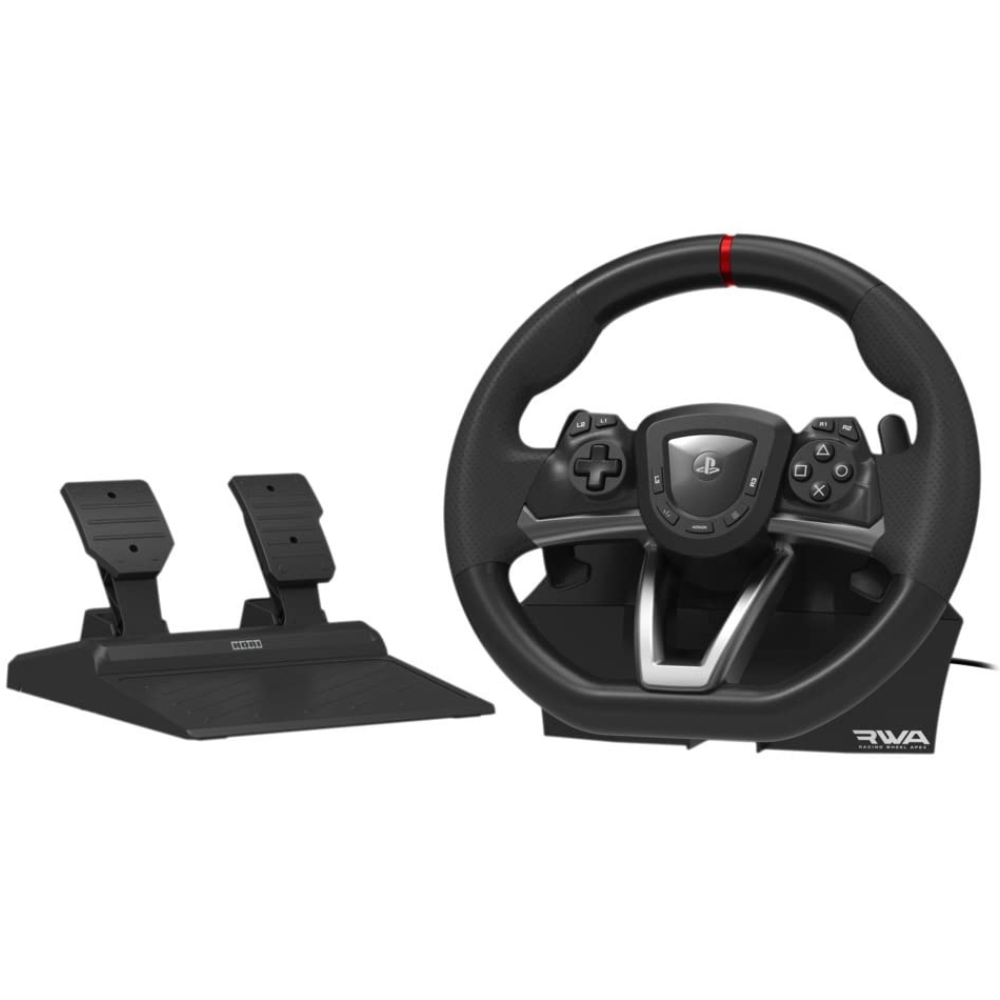
- Compatible with PlayStation 5, PlayStation 4, and PC. Use the HORI Device Manager app to download firmware, adjust settings, and make up to 4 custom profiles
- Full-size racing wheel and pedals optimized for authentic racing simulation
- 270-degree turn radius with adjustable output options
- Mount security with a sturdy clamp system
- Use the HORI Device Manager app to download firmware, adjust settings, and make up to 4 custom profiles
- Officially Licensed by Sony
Thrustmaster T300RS Force Feedback GT Racing Wheel (compatible w/ PS5, PS5 Pro, PS4 & PC)
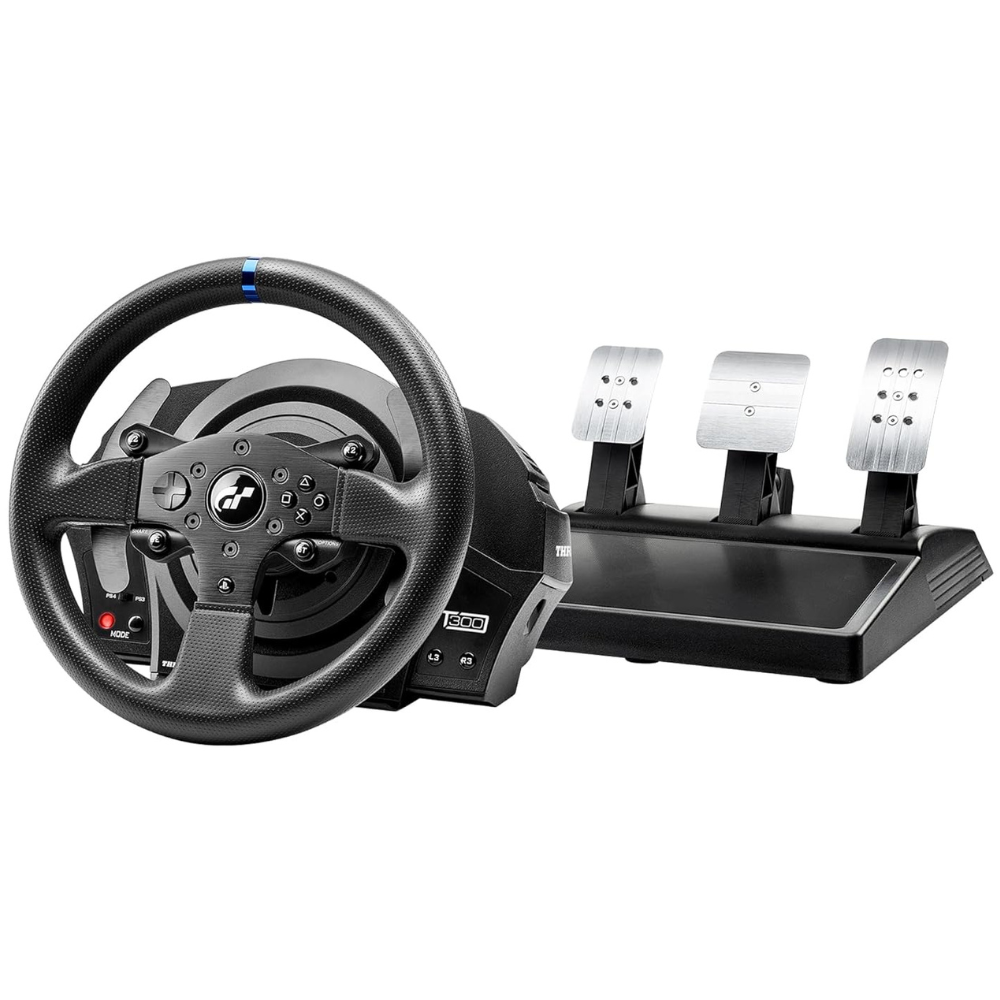
- Official GT License: The Thrustmaster T300 RS GT features an official Gran Turismo license, providing an authentic and immersive racing experience for fans of the series.
- Advanced Force Feedback: Equipped with a brushless motor and dual-belt system, the T300 RS GT delivers smooth, responsive, and realistic force feedback, enhancing the realism of your racing simulations.
- Detachable Racing GT Style wheel: 11” / 28 centimeter diameter racing wheel featuring brushed metal central spokes. Reinforced rubber texture on the wheel's entire circumference.
- Optimized Pedal Set: The T300 RS GT comes with a high-performance pedal set featuring adjustable pedals for height and spacing, providing precise control and customization for an enhanced racing experience.
- Works with PS5 games
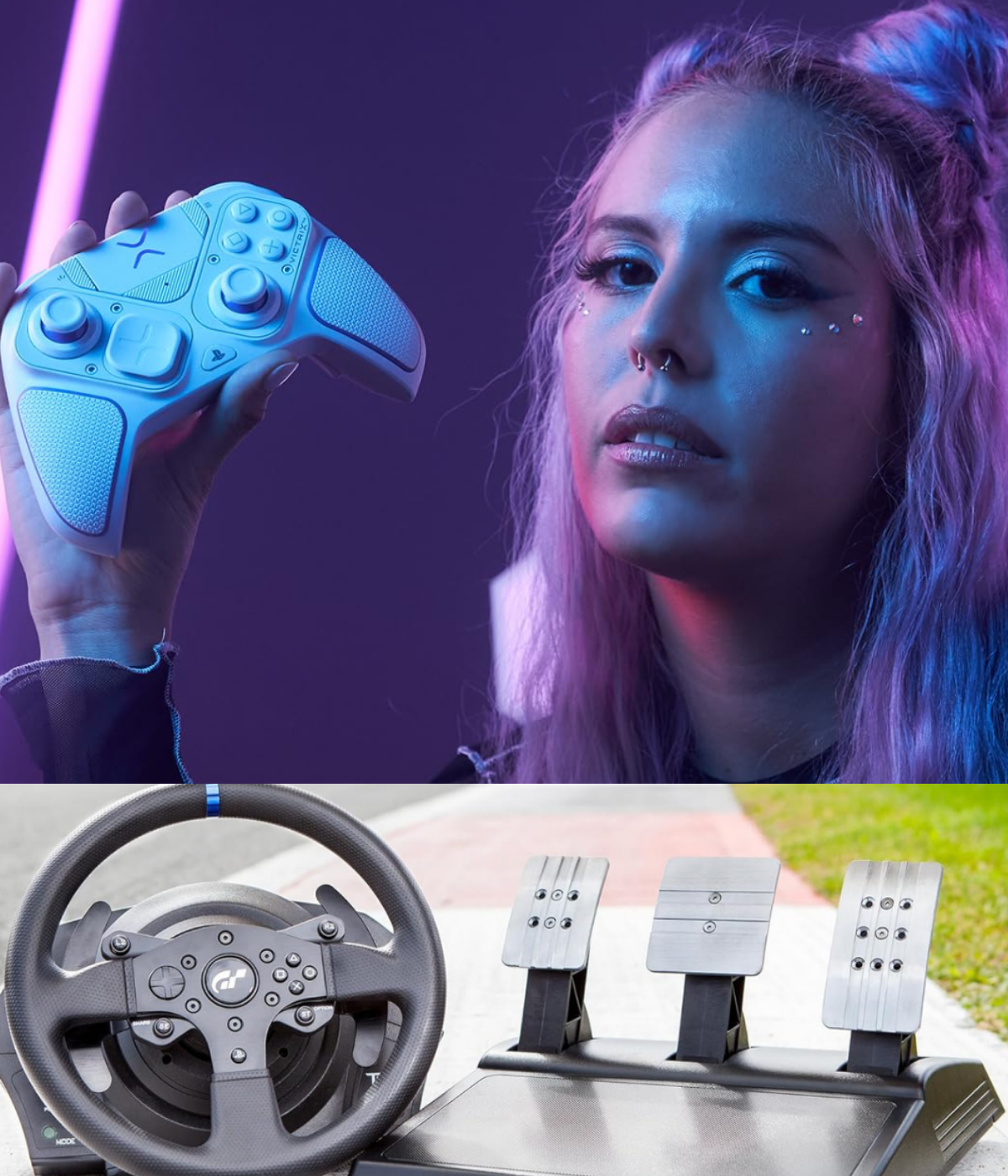
PDP Victrix Pro BFG Wireless Gaming Controller for PlayStation 5 / PS5, PS4, PC, Modular Esports Gamepad, Remappable Buttons, Customizable Triggers/Paddles/D-Pad/Fightpad, PC App, White
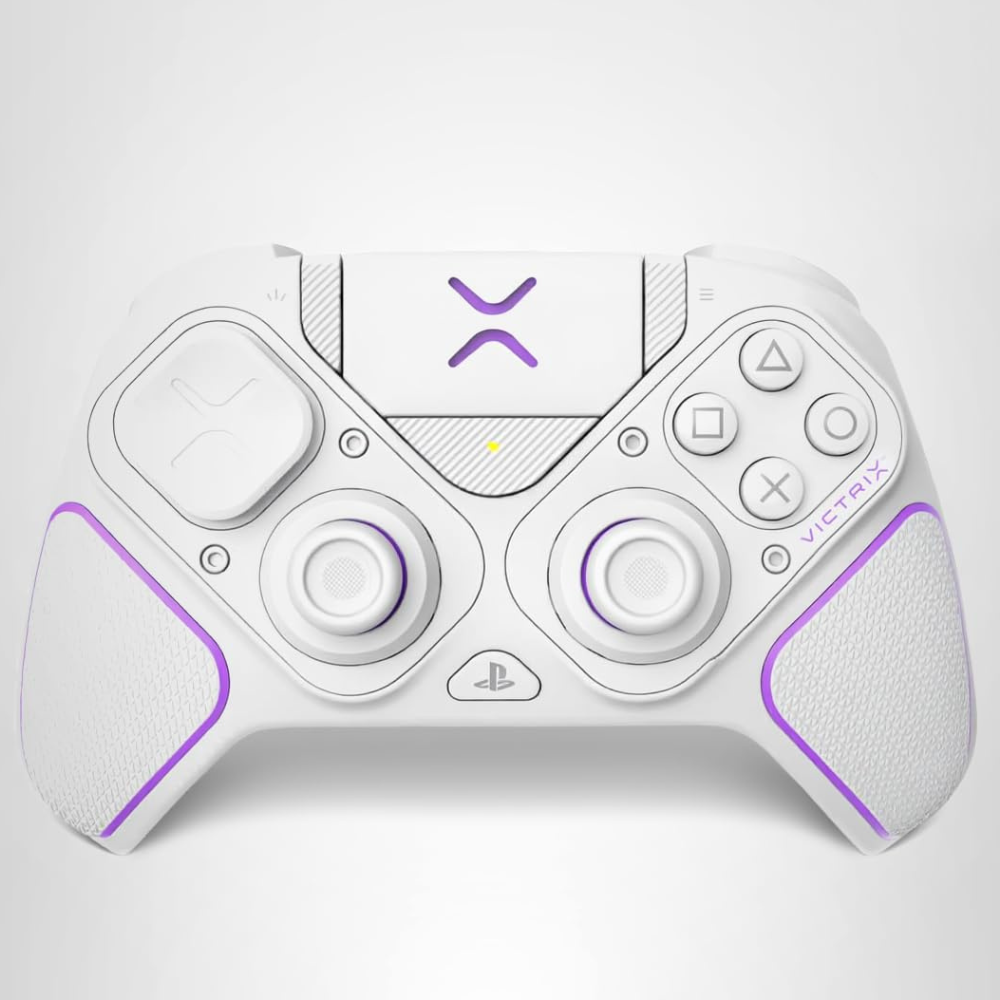
- Full Wireless and Wired Compatibility: With the Mode Switch, players can easily swap between PlayStation 5, PlayStation 4, and PC (using X input) devices.
- Modularity: The reversible left module allows for both the standard PlayStation stick configuration and offset sticks. Fans of fighting games can swap in the Fight Pad module, replacing the right stick with a six-button layout with microswitches
- Four Mappable Back Buttons with User-Configurable Profiles: Players can map the back buttons on the fly with the Profile Button, and save up to 3 unique profiles for button mappings
- Patented Multi-Position Clutch Triggers: Boasting 5 different stopping points, the patented clutch triggers allow players to tune the trigger pulls to their specific liking, whether they want hair triggers, standard triggers, or something in the middle
- Low Latency Audio with EQ Profiles: The Pro BFG delivers the highest possible audio quality through the controller’s 3.5mm Headset Jack. The controller is also compatible with Sony 3D Audio on PS5
- Victrix Control Hub Customization App: Players can make their controller as unique as their playstyle with the free Victrix Control Hub. The Hub allows players to configure button and EQ settings, run diagnostics, and update the controller’s firmware all in one place.
JUNHUAN Wireless Controller for PS5 Pro/PlayStation-5/PC/Mac with Hall Effect joystick trigger/Back Paddles/Cool RGB/Motion Sensor/TURBO/3.5mm Audio Jack - Built-in Speakers Support P-S5 Console Audio
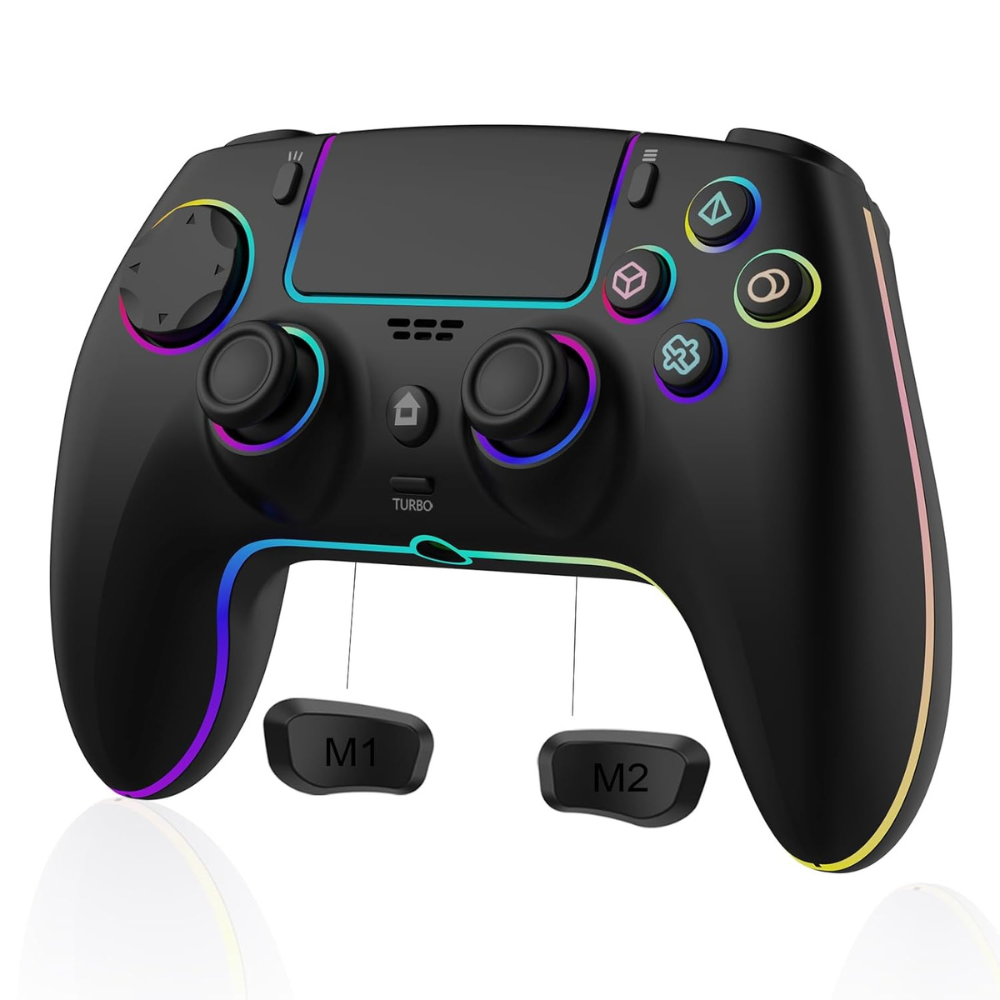
- 【Compatible Devices & Battery Life】: Wireless Controller for PS5/Android/IOS/PC, Equipped with a 1500mAh battery to extend the game time (about 8-10 hours)
- 【Built-in speaker and Precise Control】: The 6-axis gyro sensor and Hall trigger allow for accurate motion control, enhancing gameplay precision, while dual vibration motors and a built-in speaker deliver realistic vibrations and sound effects
- 【Programmable Features and TURBO】: Customize button mapping and turbo functions to suit your preferences for optimal control
- 【Cool 8-color LED light with 3 modes】: With 7 different colors of cool LED light and a colorful LED light, there are also 3 light effect modes, and you can also turn off RGB
- 【Ergonomic and non-slip design】: Based on ergonomic design, easier to grip than other controllers. Anti-slip design, so you don't have to worry about sweaty hands affecting your gaming experience.
- 【Simple connection】: Connect your PS5 controller by first using a USB cable to pair it with the console, then remove the USB cable and press the HOME button to establish a wireless connection.
GMVOX Paddles for PS-5 Controller with MIC Function, Plug and Play with 4 Back Programmable Buttons, Support Combo/Turbo/Key Swap/Remapping Features, Compatible with PS-5 Console/PC/MAC(Black)
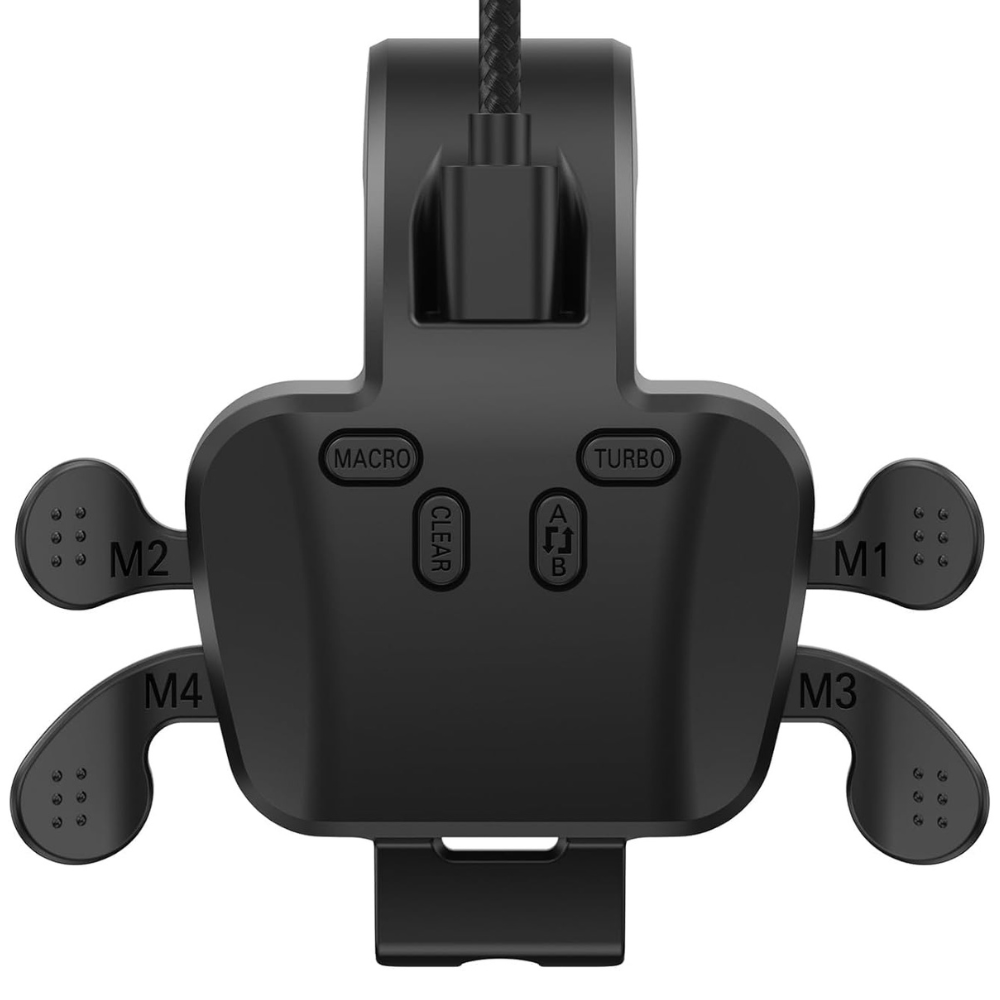
- 【Setup Before Use】𝗚𝗼 𝘁𝗼 𝘁𝗵𝗲 𝗣𝗦-𝟱 𝗦𝘆𝘀𝘁𝗲𝗺 𝗦𝗲𝘁𝘁𝗶𝗻𝗴𝘀 𝗜𝗻𝘁𝗲𝗿𝗳𝗮𝗰𝗲 𝗮𝗻𝗱 𝗖𝗵𝗮𝗻𝗴𝗲 𝘁𝗵𝗲 𝗖𝗼𝗺𝗺𝘂𝗻𝗶𝗰𝗮𝘁𝗶𝗼𝗻 𝗠𝗲𝘁𝗵𝗼𝗱 𝘁𝗼 "𝗨𝘀𝗲 𝗨𝗦𝗕 𝗖𝗮𝗯𝗹𝗲", otherwise the paddles will not work. (Settings> Accessibility> Controller (General)> Communication Method> Select “Use USB Cable”)
- 【𝗦𝘂𝗽𝗽𝗼𝗿𝘁𝘀 𝗠𝗶𝗰𝗿𝗼𝗽𝗵𝗼𝗻𝗲 𝗙𝘂𝗻𝗰𝘁𝗶𝗼𝗻】The latest version of paddles is upgraded with microphone support, enabling easy chat with teammates for a freer gaming experience
- 【Plug and Play】The Paddles for the PS-5 controller are completely plug and play, wired connection with a custom 3M data cable, and they support charging the controller. – No installation, disassembly, or soldering needed. Just connect and play right away
- 【4 Programmable/Remap Back Buttons】Customize your gameplay with 4 back buttons, each supporting up to 25 key combinations. Execute complex actions instantly and improve your gaming performance with ease
- 【Turbo Rapid Fire Function】Enjoy rapid-fire action with our Turbo function, set to 8 shots per second by default for fast and responsive gameplay
- 【Wide Compatibility for Multiple Devices】The back paddles are fully compatible with PS-5, PC, Android, and Mac, offering seamless gameplay across different platforms
FAQs
What is a PS5 controller with paddles?
It is a “pro” style controller that adds extra, remappable buttons on the back so you can trigger actions (like jump, reload, melee) without taking your thumbs off the sticks.
What are the main benefits of paddles?
Paddles let you aim and move while performing actions that would normally require a face button press, which can improve reaction time, comfort, and consistency in shooters, action games, and competitive titles.
Can I remap paddles to any button?
On most PS5 pro controllers and remap kits, paddles can mirror almost any standard input, such as face buttons, triggers, and bumpers, though they cannot usually be mapped to non‑button functions like menu macros.
How do I program paddles on PS5?
With controllers like the DualSense Edge, you can go into PS5 Settings → Accessories → Controller settings to assign functions, or use the controller’s profile button to open an on‑screen customization menu.
Do paddles work on every game?
Paddles themselves always send standard button inputs, but some advanced remap features and in‑game layouts depend on each title’s controller support, so a few games may limit how useful complex profiles are.
Are PS5 paddle controllers worth the extra cost?
Many players who invest in a paddle controller report better comfort, faster movement tech, and an easier time performing multiple actions under pressure, especially in shooters and battle royales.
Can I add paddles to my existing DualSense?
Yes, several third‑party kits and snap‑on modules add two to four remappable back paddles to a stock DualSense, offering a budget‑friendly upgrade compared with buying a full Pro Controller.
Will paddles make me instantly better at games?
Paddles remove some mechanical limitations and can help you play more efficiently, but you still need to build muscle memory and game sense before you see a big jump in performance.
Do paddles work on PC as well as PS5?
Many PS5 controllers with paddles, including the DualSense Edge and popular third‑party pads, can be used on PC over USB or Bluetooth, and some allow additional remapping through PC software.
Are there durability issues with paddle controllers?
As with any moving part, paddles and back buttons can wear or break over time, which is why premium models often use metal components and offer replaceable modules and warranty support.
Final Thoughts
A PS5 controller with paddles is one of the most impactful quality‑of‑life upgrades you can make if you care about responsiveness, movement control, and long‑session comfort. Whether you choose an official pro pad like the DualSense Edge, a highly modular option such as the Victrix Pro BFG, or a simple remap kit for your stock DualSense, rear paddles give you new ways to map your most important actions and keep your thumbs locked on the sticks when it matters most. Order today!